Encrypted before it leaves your device
Names, contents, metadata and key/value data are sealed with XChaCha20-Poly1305 on your device. The server stores ciphertext and nothing else.
Syncloom is self-hosted file sync and key/value storage with end-to-end encryption. Everything is sealed on your device, so the only one who can read your files is you.
Drag in a folder, preview a document, restore an old version. All of it is decrypted right in your browser, with a clean interface that stays out of the way.

Names, contents, metadata and key/value data are sealed with XChaCha20-Poly1305 on your device. The server stores ciphertext and nothing else.
Edit the same text file on two devices and Syncloom merges both changes. When it cannot, nothing is overwritten: you get a clearly named conflict copy.
SwiftUI on Mac and iPhone, GTK on Linux, WinUI on Windows, Material You on Android, and a fast web app. Each one feels like it belongs.
Every save is a version. Restore yesterday's draft, undelete a folder, and let retention rules tidy up on your schedule.
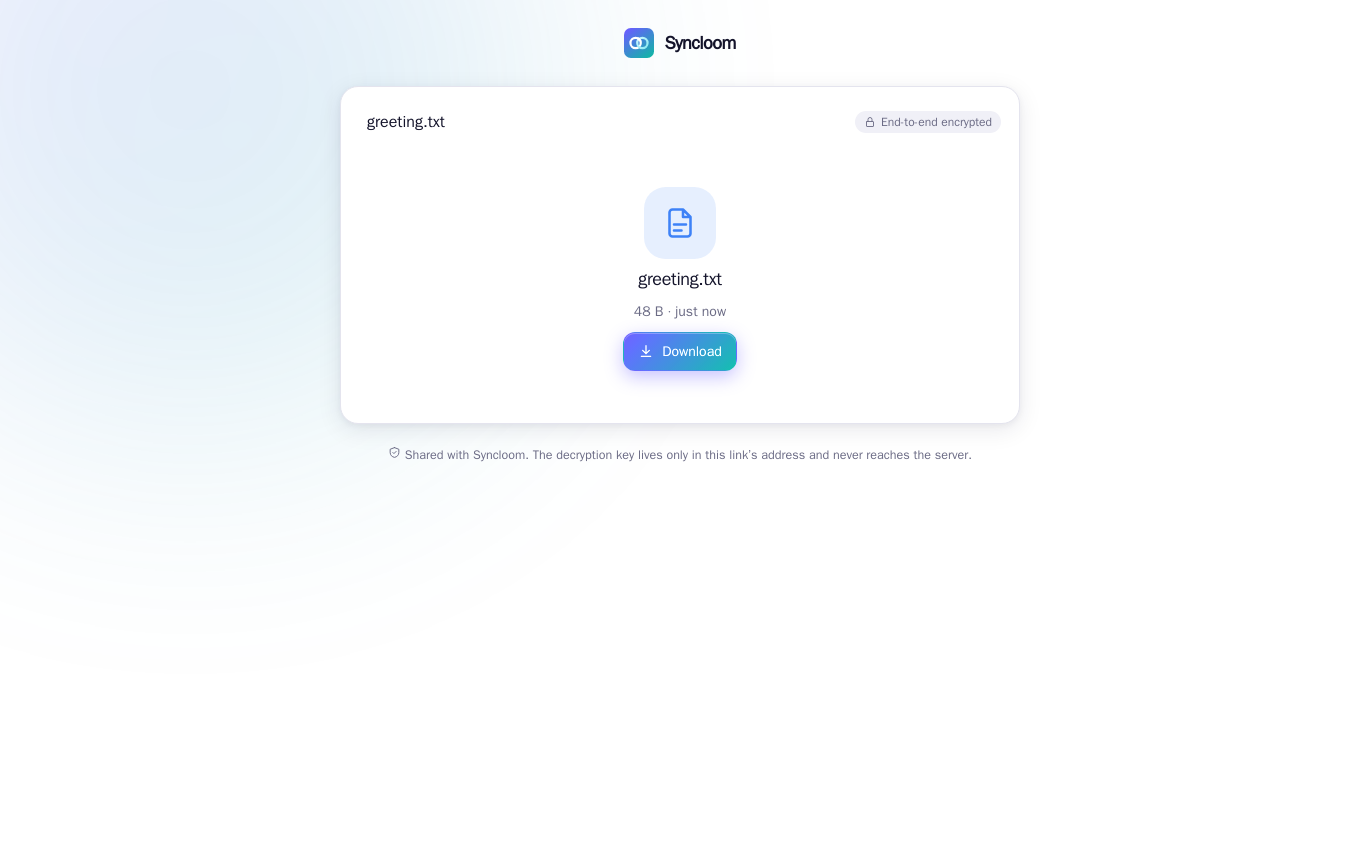
Share with people or create public links. Keys are wrapped for each recipient, and link keys live in the URL fragment so the server never sees them.
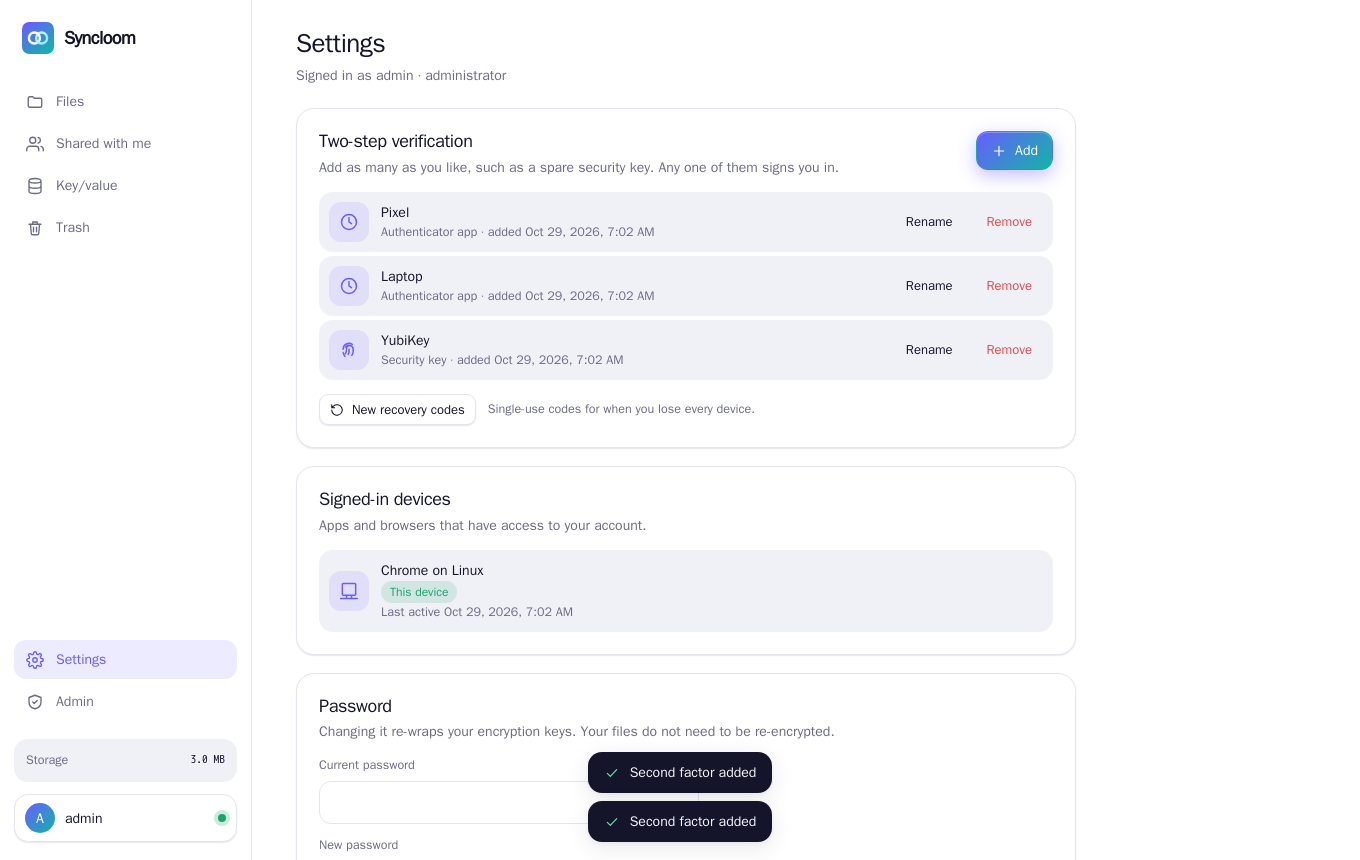
Add as many authenticator apps and hardware security keys as you like. Any one of them signs you in, so a lost key is an inconvenience, not a lockout.
A small, encrypted key/value store with compare-and-set and live change notifications, for settings, state and app data.
A streaming change feed pushes updates the moment they happen. Open a file on your laptop and it is already on your phone.
One docker compose file brings up the server, the web app, Postgres and automatic HTTPS. Bring your own storage, or use any S3-compatible bucket.
Use your OpenID Connect provider for sign-in. Your files still get their own vault passphrase, so your identity provider never holds the keys.
Script it, run it on a headless server, or keep a folder in sync from cron. The CLI does everything the apps do, from sharing to key/value.
Invite people by code, set quotas, reset a lost second factor and tune retention from a clean admin page. No tickets, no surprises.
One docker compose up gives you the server, the web app, Postgres and HTTPS. It needs about 200 MB of RAM.
Pick a password. Your device derives the encryption keys and shows you a recovery key, once. The server never sees any of it.
Sign in on your Mac, phone, Linux box or browser. Add a security key as a spare, and your files follow you everywhere.
Your password never leaves your device. It is stretched with Argon2id into a login secret for the server and a key that unlocks your vault. They are different, so the server cannot derive your keys.
No. File contents, file names and key/value data are encrypted on your device with keys derived from your password. The server only sees ciphertext, sizes and timestamps. That is also why the server cannot offer full-text search or previews.
You use your recovery key, which you were shown once at sign-up. Without the password and the recovery key your data cannot be decrypted, by design. Nobody, including an administrator, can reset it for you.
With built-in accounts, yes. You can enrol authenticator apps and hardware security keys, as many as you like. If you sign in through your own OpenID Connect provider, that provider enforces multi-factor authentication.
Concurrent edits to plain-text files are merged automatically when they touch different parts of the file. Anything else keeps both versions: the server's copy keeps the name and yours becomes “name (conflict – device – date)”. If one device edits a file another one deleted, the edit wins.
On your own server: metadata in PostgreSQL and encrypted chunks on a local volume or an S3-compatible bucket. There is no Syncloom cloud involved unless you choose to run one.
Syncloom is open source under the Apache License 2.0. All repositories are in the Syncloom organisation on GitHub.
Run Syncloom on a small VPS, a home server or your company's cluster. It takes about five minutes.